
Pro Forma Invoice Software for Shipping
Prepare pro forma invoices from reusable shipment data and keep the same customer, product, quantity and value information available for the final shipping paperwork.
Create the pre-shipment invoice without rebuilding the shipment.
A pro forma invoice commonly includes exporter and consignee details, product descriptions, quantities, estimated values, terms and shipment references. Shipping Documents Pro lets that information live in the shipment record so it can be reused when the transaction moves forward.
Use the right document for the stage of the transaction.
A pro forma invoice is commonly used before a sale or shipment is finalized to communicate expected goods, quantities, values and terms. A commercial invoice is generally associated with the actual transaction and shipment. The exact document requirements depend on the customer, carrier, broker, destination and transaction.
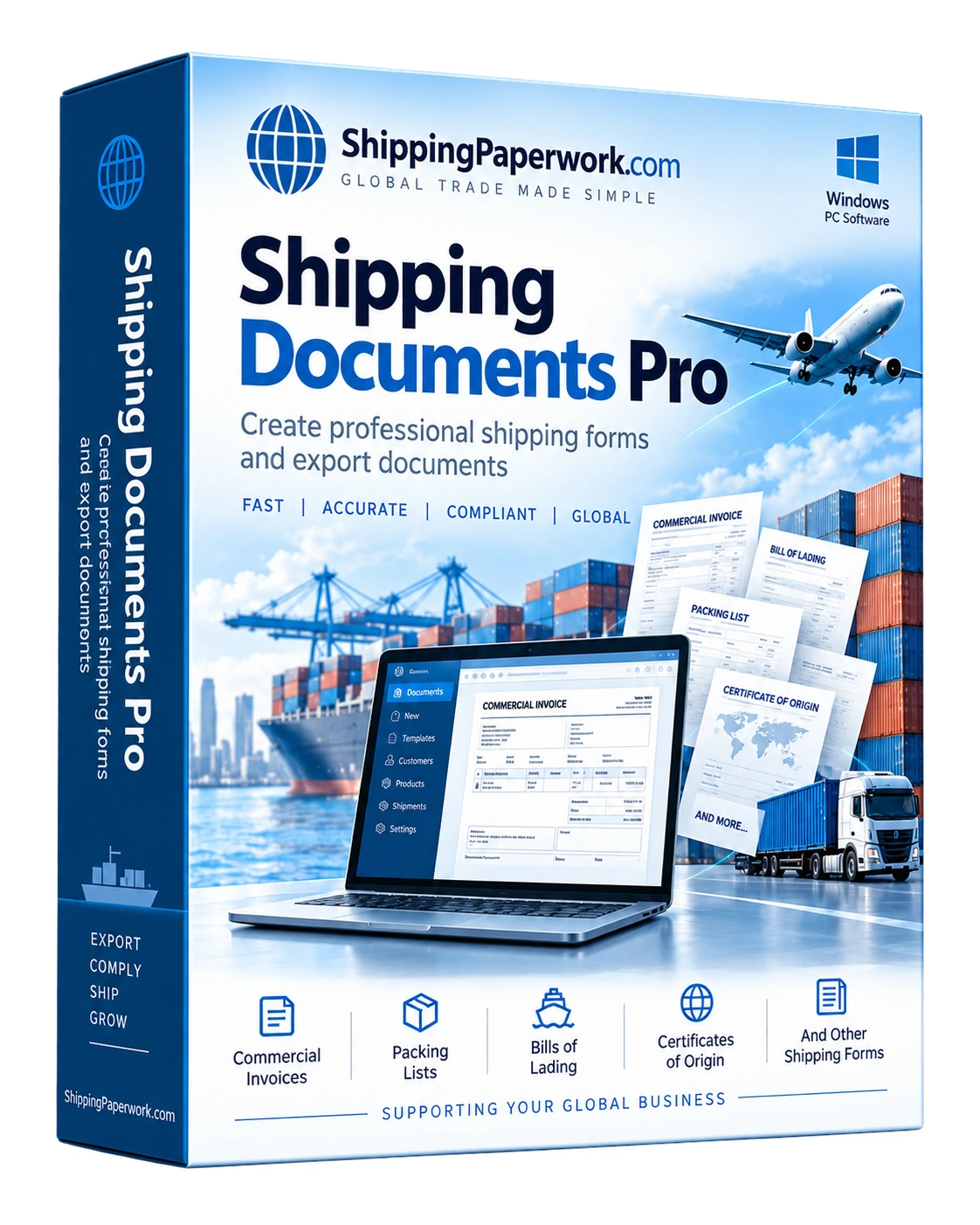
Shipping Documents Pro supports both workflows so the same shipment data can be reused rather than typed again when a pro forma invoice becomes a commercial shipment.
Learn about the document
Review the document page for typical fields and practical preparation notes.
Read the pro forma invoice guide →Need only one document?
Use the free browser generator for an occasional pro forma invoice.
Try the free pro forma invoice generator →Reuse the same shipment data across related documents.
Commercial Invoice Software
Create the final commercial invoice from reusable shipment details.
Commercial invoice workflow →International Shipping Documents Software
Build a coordinated package of export and shipping paperwork.
International workflow →Shipping Documents Pro
See the complete software workflow, included documents and features.
View software →Enter the shipment once. Create the paperwork you need.
Windows desktop software for repeat shipping-document workflows.