
Commercial Invoice Software for Shipping
Create commercial invoices from saved shipment data and reuse the same information in packing lists, certificates and other shipping documents.
Build the invoice as part of the shipment—not as an isolated form.
A commercial invoice usually contains exporter and consignee details, invoice references, product descriptions, quantities, origin information, values, terms and shipment details. Those same fields often appear elsewhere in the shipping paperwork. Shipping Documents Pro lets the invoice use the same underlying shipment record as the rest of the document package.
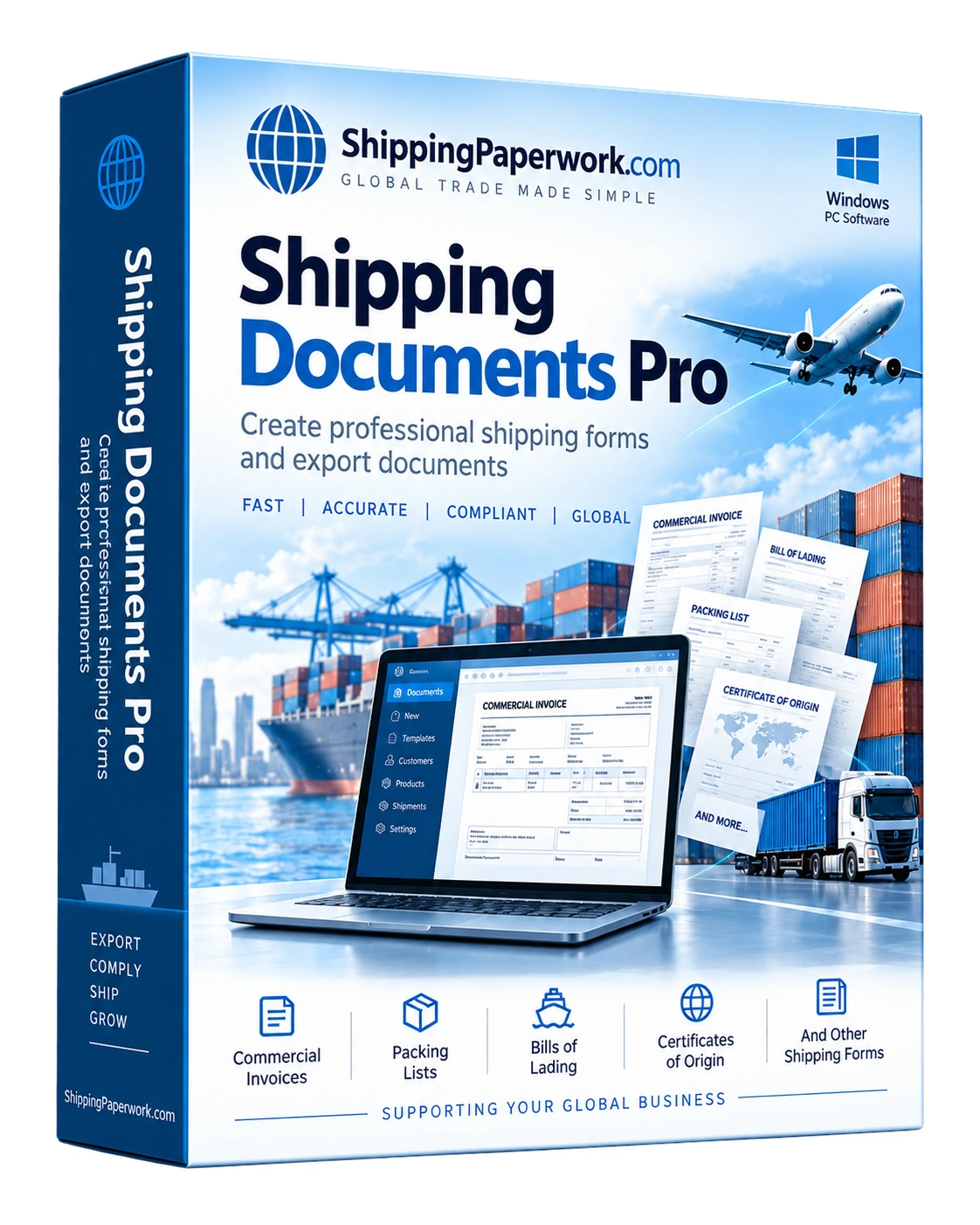
Use the document as part of a complete shipment record.
If you only need one invoice, the free browser generator may be enough. The desktop software is for repeat work where saved records, shipment history and multiple related documents save time.
Shipping Documents Pro is designed around recurring business use: saved parties, saved products, shipment history, reusable data and multiple documents from the same shipment. It prepares paperwork; it does not replace carriers, customs brokers, government filing systems or professional compliance advice.
Learn about the document
The document guide explains the purpose and typical information for this paperwork.
Learn what belongs on a commercial invoice →Need only one document?
Use the free browser tool for an occasional shipment, then move to the desktop software when you need saved records and repeat workflows.
Try the free commercial invoice generator →More ways to use the same shipment data.
International Shipping Documents Software
Build a coordinated document package for international shipments.
Learn more →Export Document Software
Prepare common export paperwork from reusable shipment records.
Learn more →Shipping Documents Pro
See the complete software workflow, included documents and features.
View software →Enter the shipment once. Create the paperwork you need.
Windows desktop software for repeat shipping-document workflows.