
Shipper's Letter of Instruction Software
Prepare SLI worksheets from reusable shipper, consignee, forwarder, routing and product information, then use the same shipment record for related export paperwork.
Keep the SLI connected to the shipment instead of maintaining another separate form.
An SLI can repeat the same parties, products, quantities, routing and references used on other export documents. Shipping Documents Pro keeps those records together so repeat shipments can start from saved information.
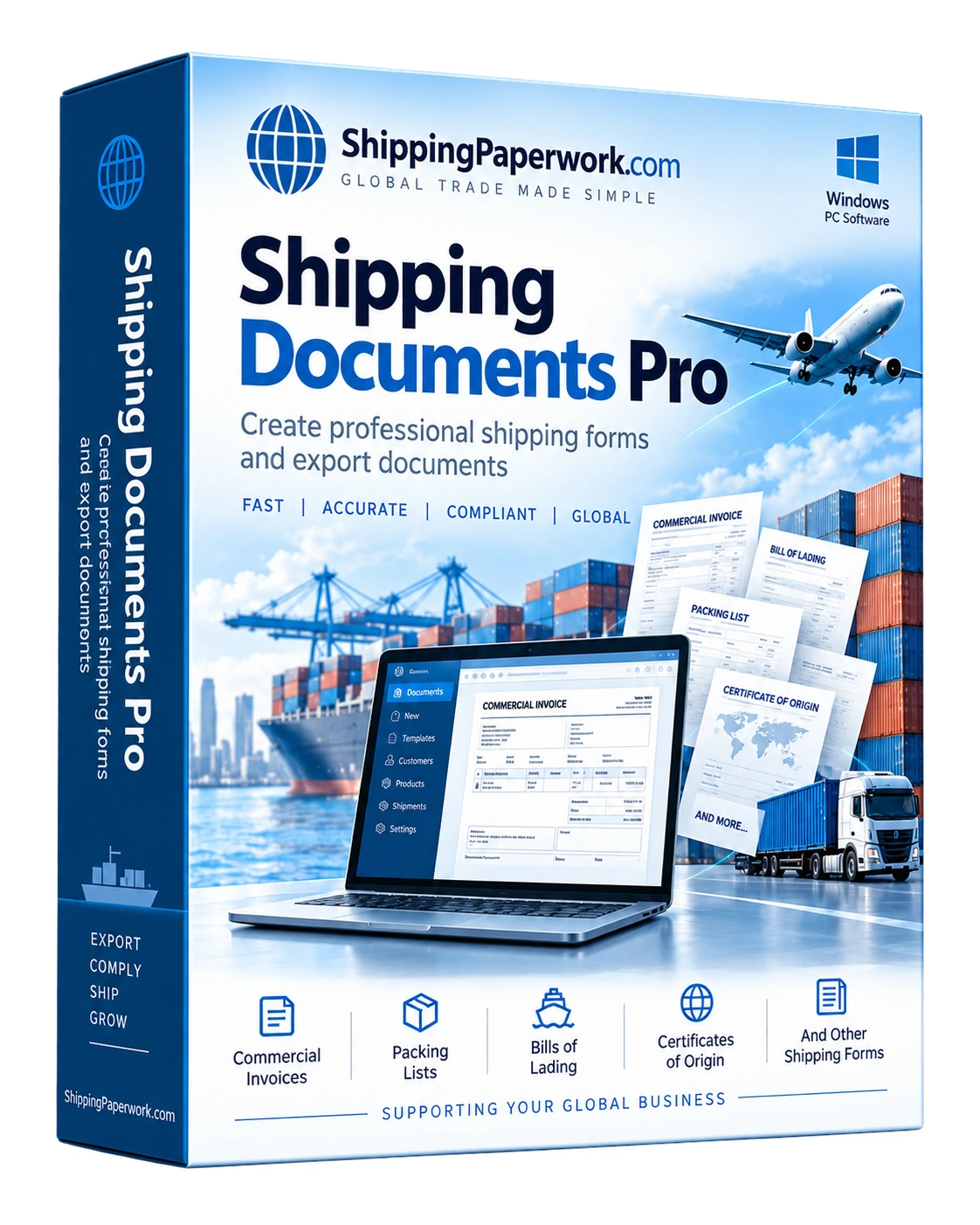
Choose the one-off tool or the reusable desktop workflow.
The free SLI Generator creates a general-purpose worksheet in the browser. The Windows software is useful when the same shipper, consignee, products and shipment details are used repeatedly or need to feed multiple documents.
Forwarders often have their own SLI forms and instructions. Use the exact format required by the forwarder, carrier, broker or agency when one is specified.
SLI information commonly organized
Build the rest of the shipment paperwork from the same data.
Export Document Software
Prepare common export documents from reusable shipment records.
Explore export workflows →Commercial Invoice Software
Reuse product, value, origin and party details on the commercial invoice.
Commercial invoice workflow →Packing List Software
Carry quantities, weights, dimensions and package information into the packing list.
Packing list workflow →Questions about Shipper's Letter of Instruction software
Can I create an SLI online for free?
Yes. The free SLI Generator is designed for a general one-off worksheet.
Why use desktop SLI software?
The main benefit is reuse: saved parties, products, routing information and shipment history can reduce repeated typing when the same data also appears on other documents.
Does the software file export data electronically?
No. Shipping Documents Pro prepares paperwork and worksheets. Electronic export filings and agency submissions remain separate processes.
Prepare the SLI as part of the shipment—not as a separate file.
Use the free generator once, or download the Windows trial for repeat shipping paperwork.